

Quick Start
Patchwork’s default Easy install provisions PostgreSQL 18 and MinIO automatically inside your project folder—no Docker, no manual database setup, and no administrator privileges required.
Prerequisites
Section titled “Prerequisites”- Node.js 20+ and git:
winget install OpenJS.NodeJS.LTS Git.Gitsudo apt update && sudo apt install -y nodejs npm gitStep 1: Clone and Install Dependencies
Section titled “Step 1: Clone and Install Dependencies”git clone https://github.com/Pratyush-Nirwan/patchwork.gitcd patchworknpm ciStep 2: Run the Installer
Section titled “Step 2: Run the Installer”npm run setupSelect Easy (recommended). The installer checks disk space and ports, downloads and SHA-256 verifies the official MinIO binary into ./bin/, initializes PostgreSQL 18 in ./data/postgres, runs migrations, displays your one-time Admin Setup Token, and starts the supervisor (npm run start).
Step 3: Open the URL and Complete Setup
Section titled “Step 3: Open the URL and Complete Setup”- Open the printed URL (by default
http://localhost:3000/setup). - Enter your Admin Setup Token to unlock the Setup Wizard.
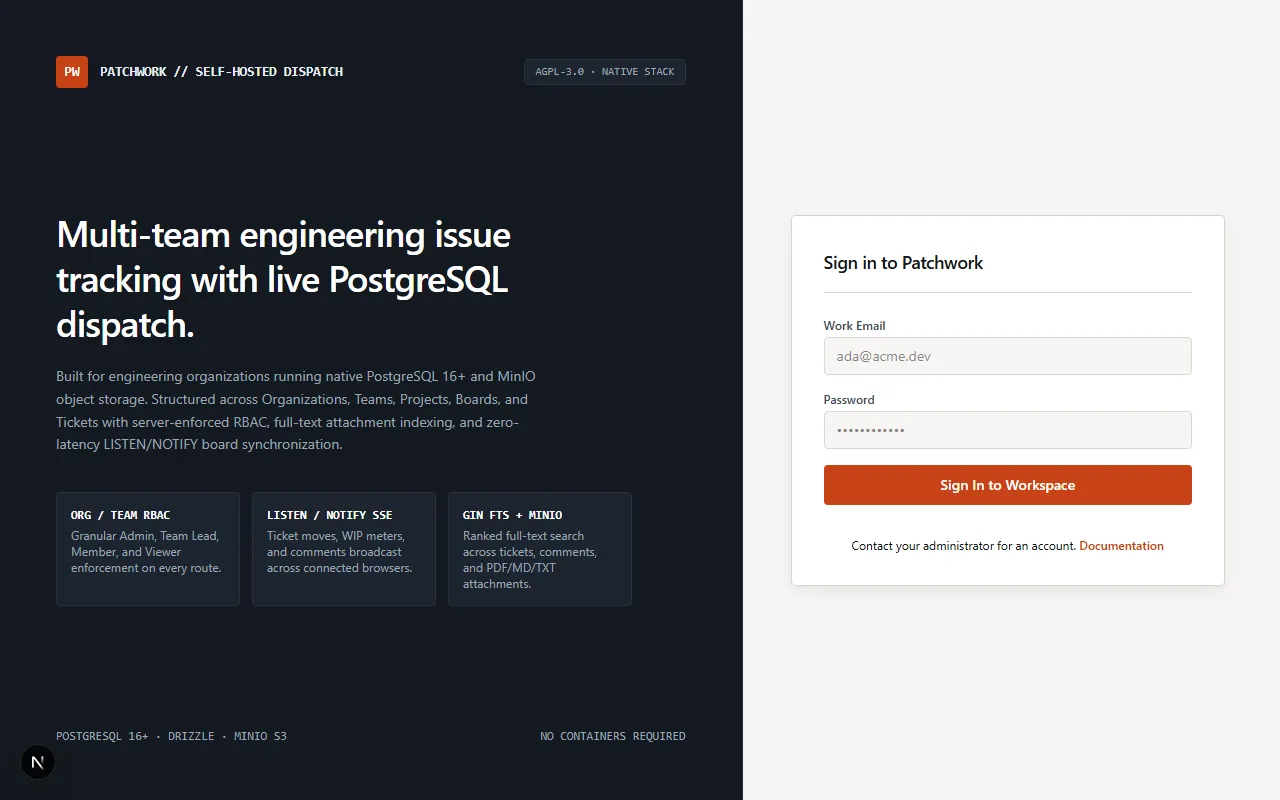
- Create your admin account, organization, teams, and boards, then sign in.
Managing the Running Stack
Section titled “Managing the Running Stack”- Check status:
npm run status - Stop cleanly:
npm run stop(orCtrl+Cin foreground) - Start again later:
npm run start